On-device & private
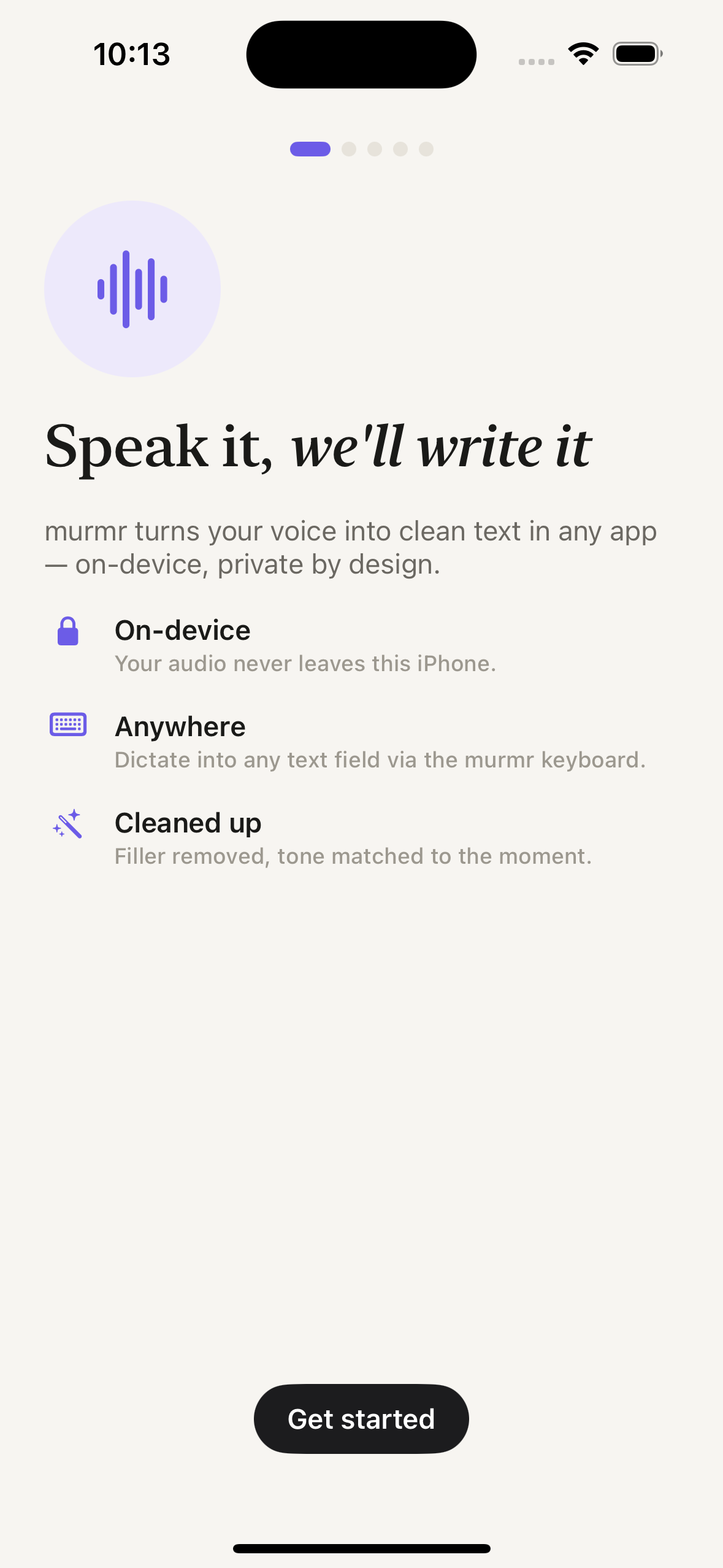
Transcription and cleanup both run on your Mac and iPhone. No servers, no streaming, no per-word fee. Your audio simply has nowhere else to go.
On-device dictation · powered by NVIDIA Parakeet
murmr is dictation that actually sounds like you wrote it — filler stripped, punctuation fixed, tone matched to the app. It all runs locally on your Mac and iPhone, so your voice never leaves your device.
Free to start · no account to talk · nothing uploaded, ever.
There is no step four. That's kind of the whole pitch.
On Mac, press and hold the fn / 🌐 key. On iPhone, tap the mic on the murmr keyboard. Double-tap fn if you'd rather go hands-free.
Ramble. Backtrack. Say “um” a hundred times. murmr is listening on-device and isn't judging — that's the cleanup's job.
Let go (or tap again) and polished, formatted text drops right where your cursor is. No copy-paste, no review step, no cloud round-trip.
A custom keyboard on iPhone, a menu-bar app on the Mac. Same voice, same privacy, no cloud in sight.
Switch to the murmr keyboard, hold to talk, and clean text lands right at your cursor — the filler stripped, the punctuation fixed, the tone matched to where you're typing. Tap “Tone: Auto” to override it anytime.
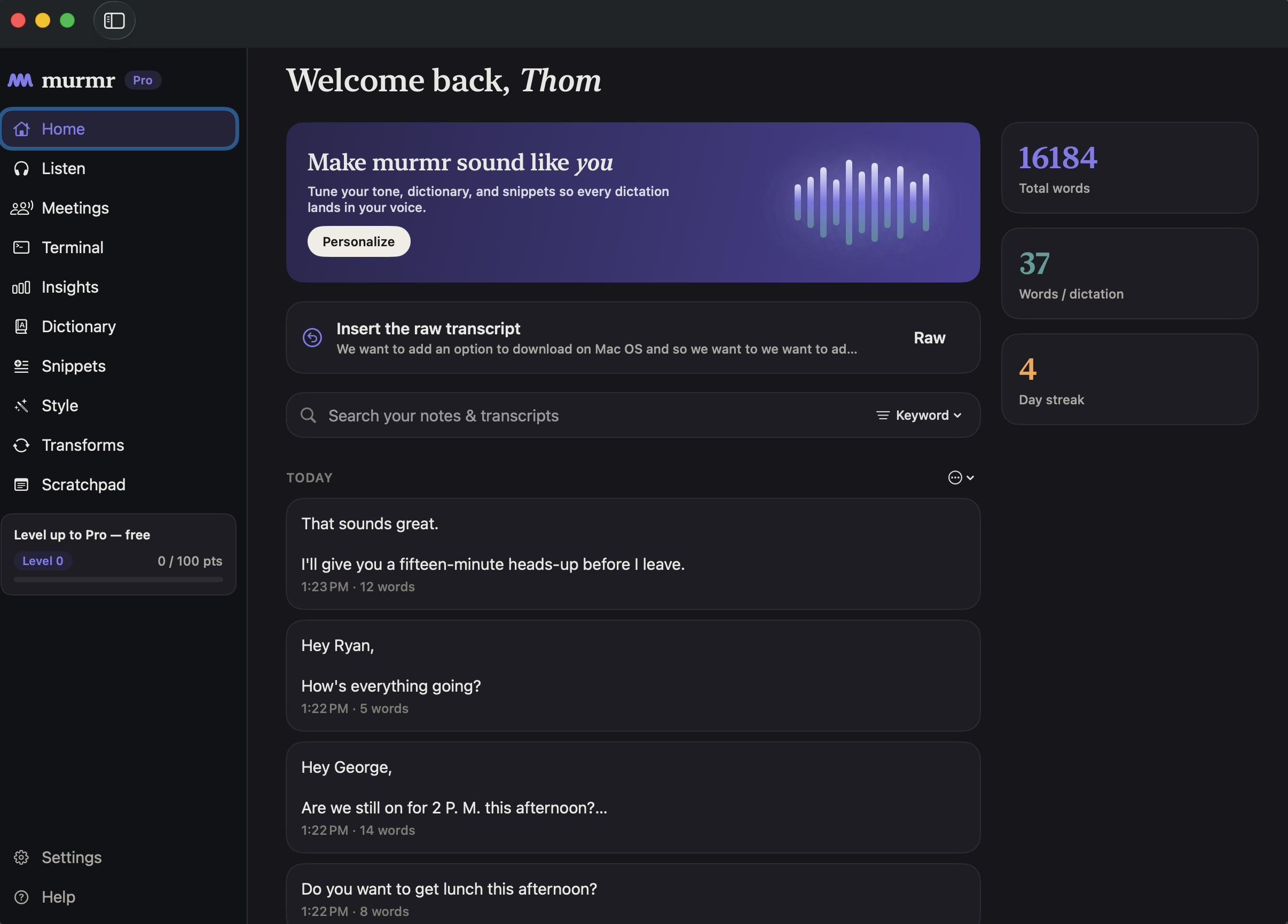
murmr lives quietly in the menu bar. Press and hold the fn / 🌐 key from any app and a floating pill shows it's listening; let go and the cleaned text appears where your cursor was. Double-tap to go hands-free.
murmr
Idle · ready to listen
Last transcript
“Let's ship the build tonight if that works.”
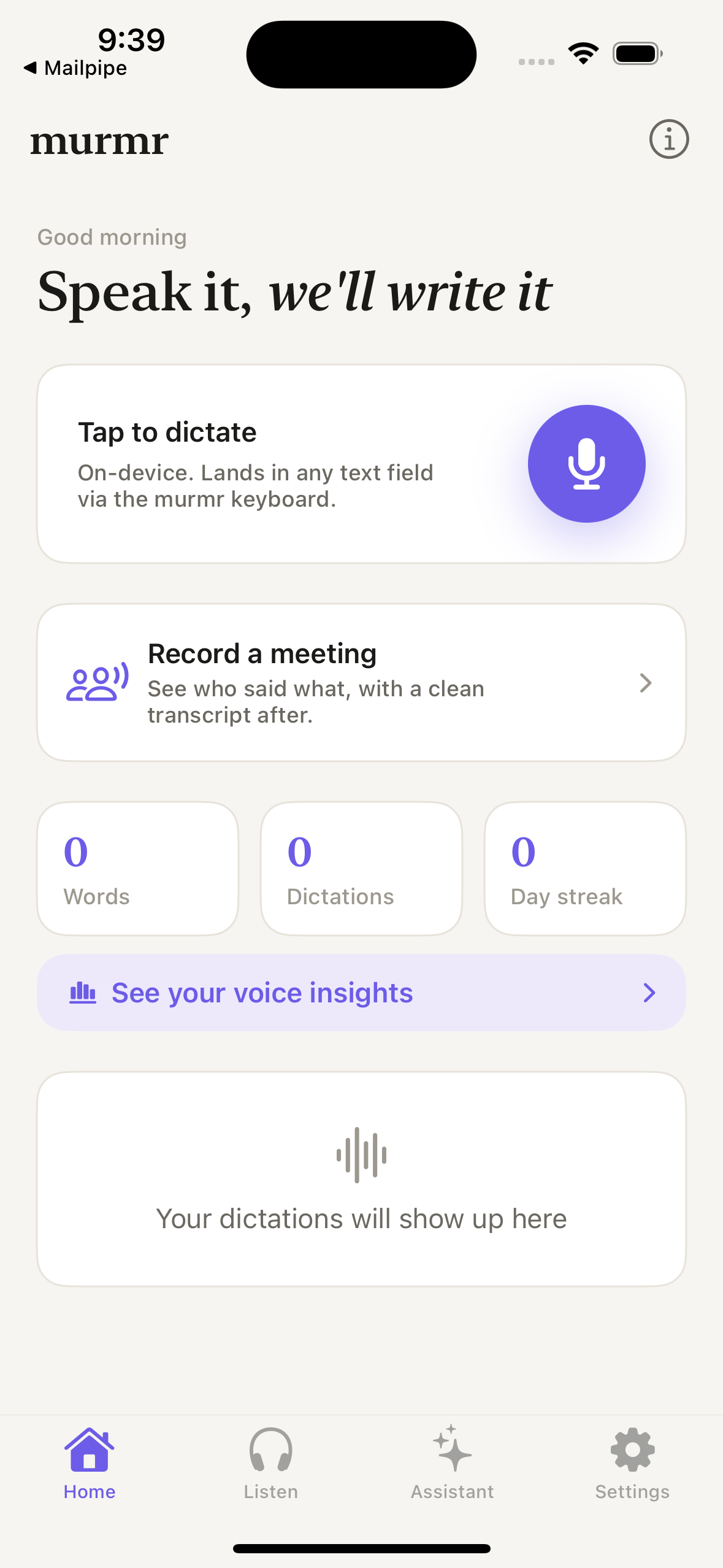
No setup ritual. Open murmr, hit Start Dictation, and talk. This is the actual iPhone app — the same on-device engine that powers the keyboard, in a tap-to-talk surface for longer thoughts.

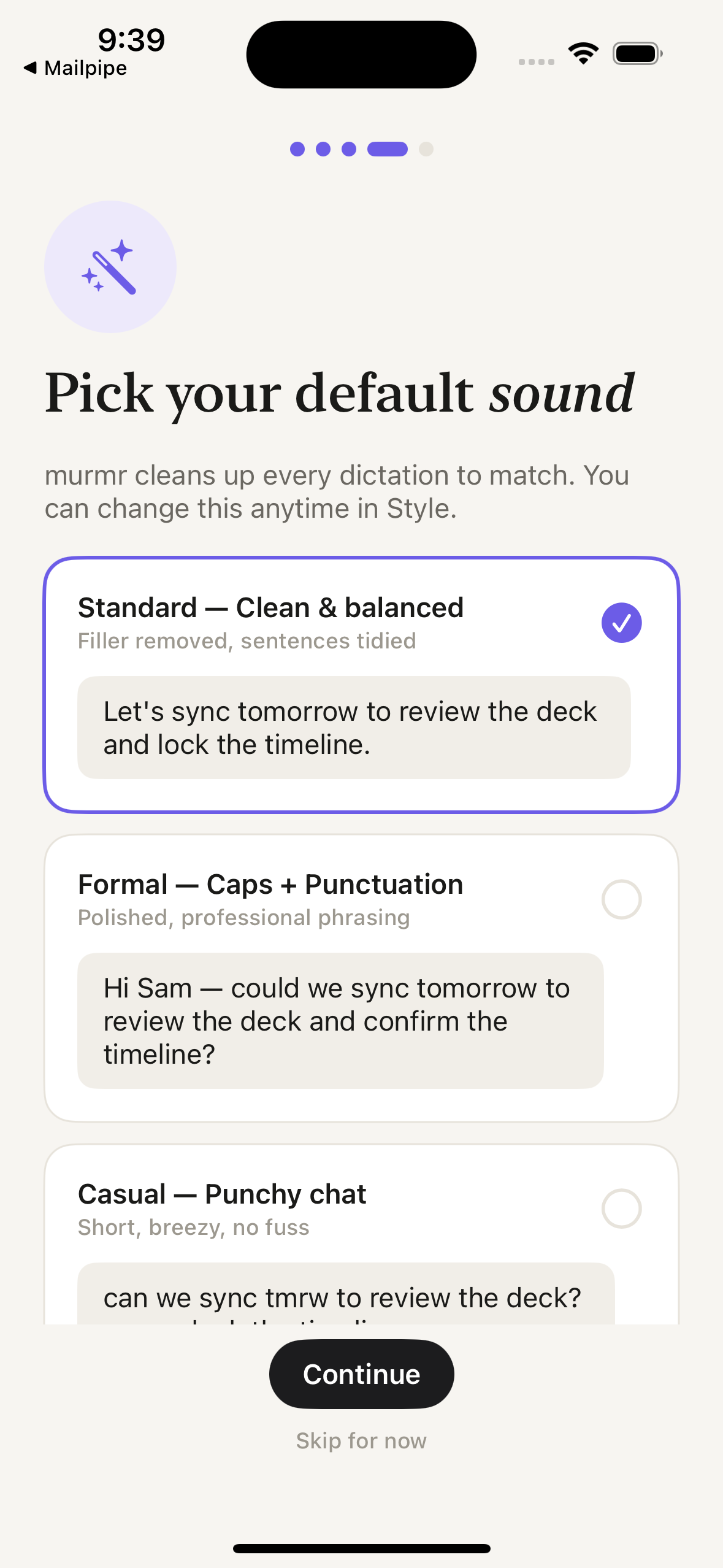
Teach murmr your teammates' names, product codenames, and the acronyms only your team says out loud. Set a default tone, and let it adapt per app from there. It all stays in your dictionary, on your device.
Custom dictionary
Default tone
Not just speech-to-text. Speech-to-the-thing-you-actually-meant.
Transcription and cleanup both run on your Mac and iPhone. No servers, no streaming, no per-word fee. Your audio simply has nowhere else to go.
Every “um,” “uh,” and “you know” gets quietly deleted. Capitalization, commas, and sentence breaks land where they should — automatically.
Formal in Mail, punchy in Slack, tidy in Notes. murmr adapts the tone to whatever app you're typing into, so you don't have to.
Teammate names, product codenames, that one acronym only your team uses — add them once to your dictionary and murmr nails the spelling every time.
Mail, Slack, Notion, the address bar, a random text field at 2am. If you can type into it, you can talk into it.
A menu-bar app for the Mac and a custom dictation keyboard for iPhone. One voice, both pockets, zero cloud.
Most “AI” dictation apps stream your microphone — and sometimes whoever you're on a call with — to a rented GPU in someone else's data center. That round-trip is their entire business model.
murmr deletes the round-trip. Speech recognition runs on the Apple Neural Engine; cleanup runs on Apple's on-device models. There's no server to send audio to, because there's no server.
Your voice takes a field trip. You pay per word.
Nothing leaves. Nothing to bill. Nothing to leak.
The Mac app and iPhone keyboard are landing soon. Drop your email and we'll ping you the moment you can start talking instead of typing.